product studio picture.product studio picture.ICW,  photo,  picture,  product,  product photo,  product picture,  product studio picture
ICW,  ICW,  photo,  picture,  product,  product photo,  product picture,  product studio picture
product studio picture.product studio picture.ICW,  photo,  picture,  product,  product photo,  product picture,  product studio picture
ICW,  ICW,  photo,  picture,  product,  product photo,  product picture,  product studio picture
photo,  picture,  product,  product photo,  product picture.photo,  picture,  product,  product photo,  product picture.ICW,  photo,  picture,  product,  product photo,  product picture,  product studio picture
ICW,  ICW,  photo,  picture,  product,  product photo,  product picture,  product studio picture
ICW,  photo,  picture,  product,  product photo,  product picture,  product studio picture
product studio picture
ICW,  photo,  picture,  product,  product photo,  product picture,  product studio picture
product studio picture.product studio picture.ICW,  photo,  picture,  product,  product photo,  product picture,  product studio picture
ICW,  ICW,  photo,  picture,  product,  product photo,  product picture,  product studio picture
product photo,  product picture
product photo,  product picture,  product studio picture
product photo,  product picture
product photo,  product picture,  product studio picture

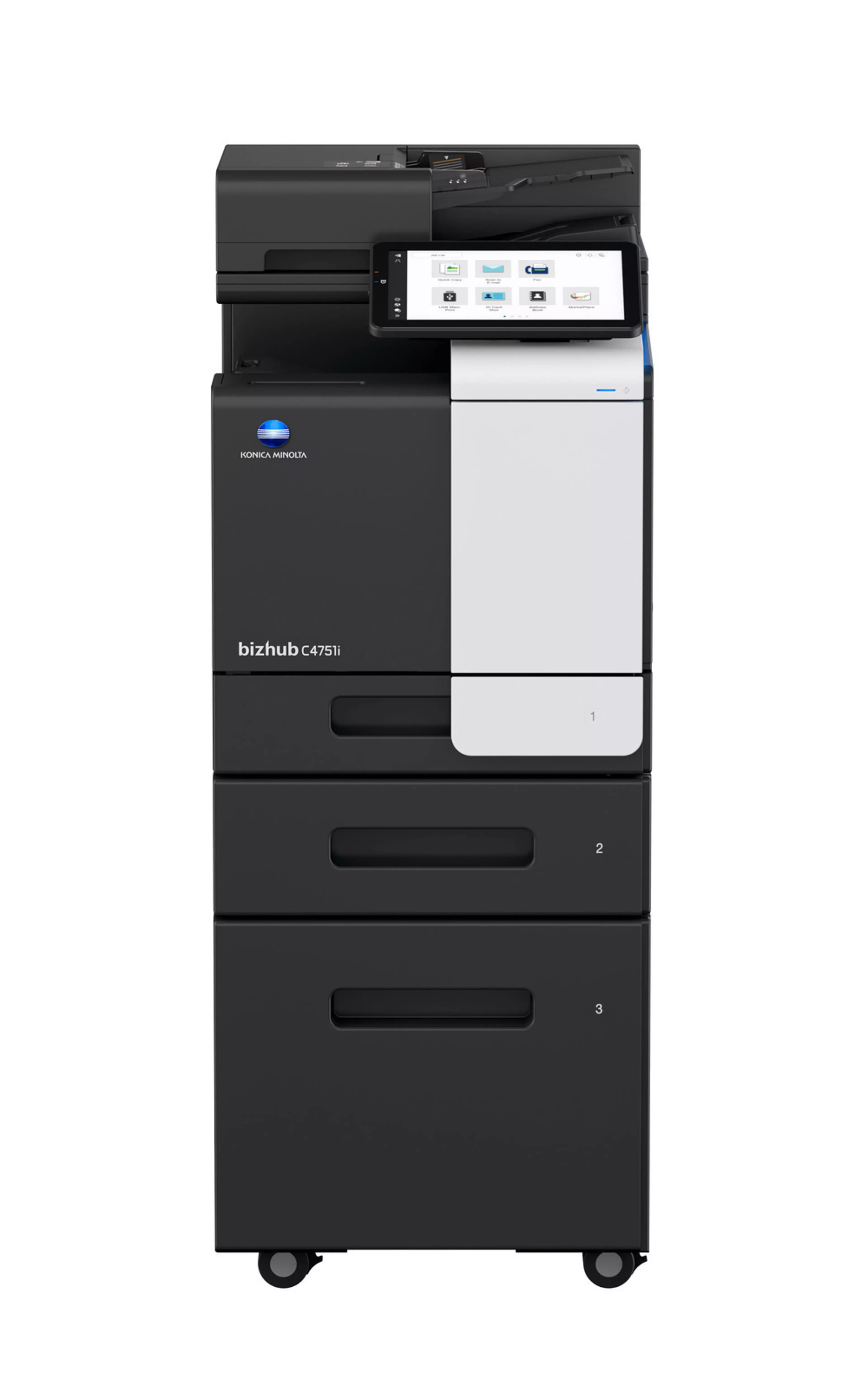
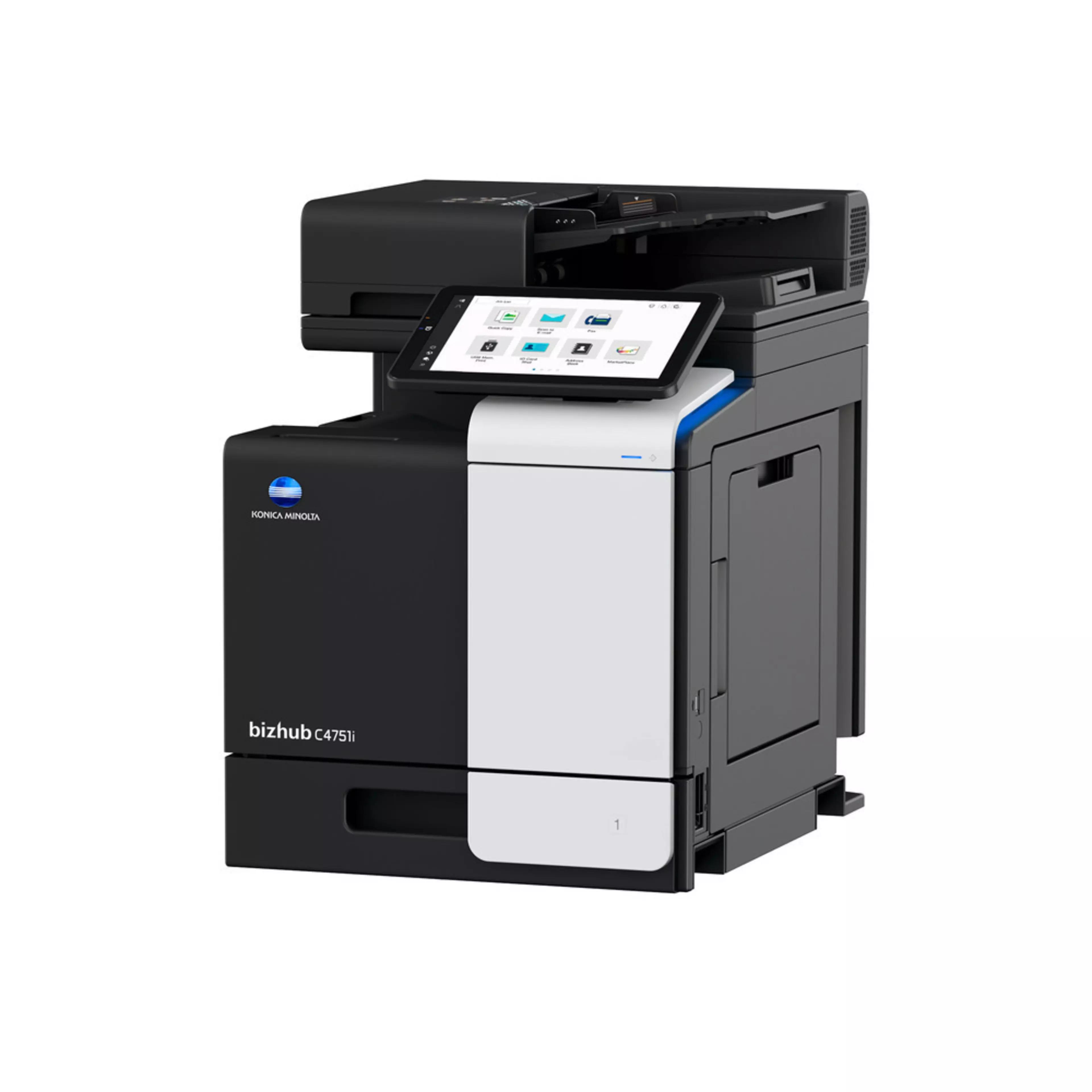
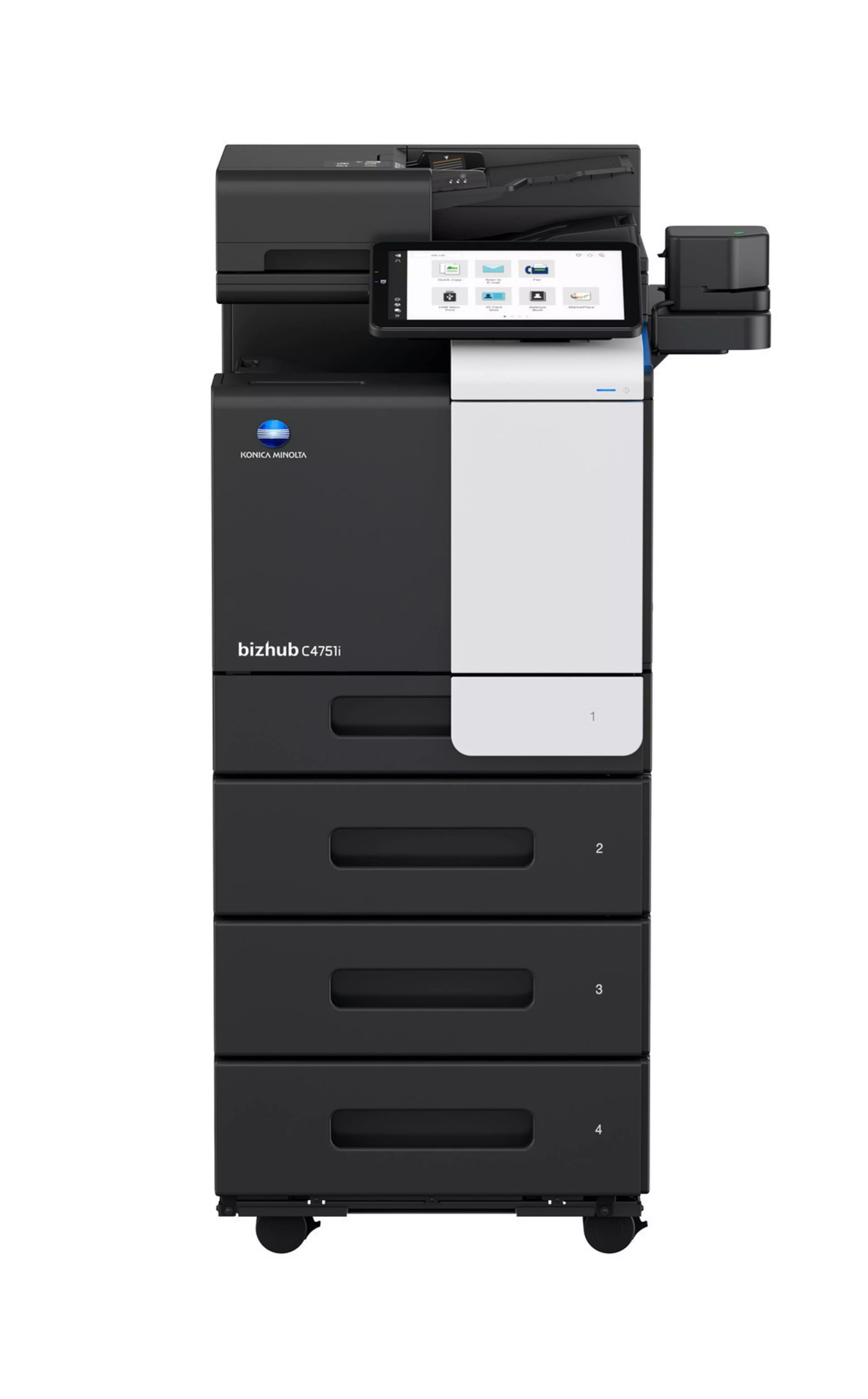
bizhub C4751i

  • 47/47 ppm in colour and black & white
  • Print, copy, scan and fax as standard
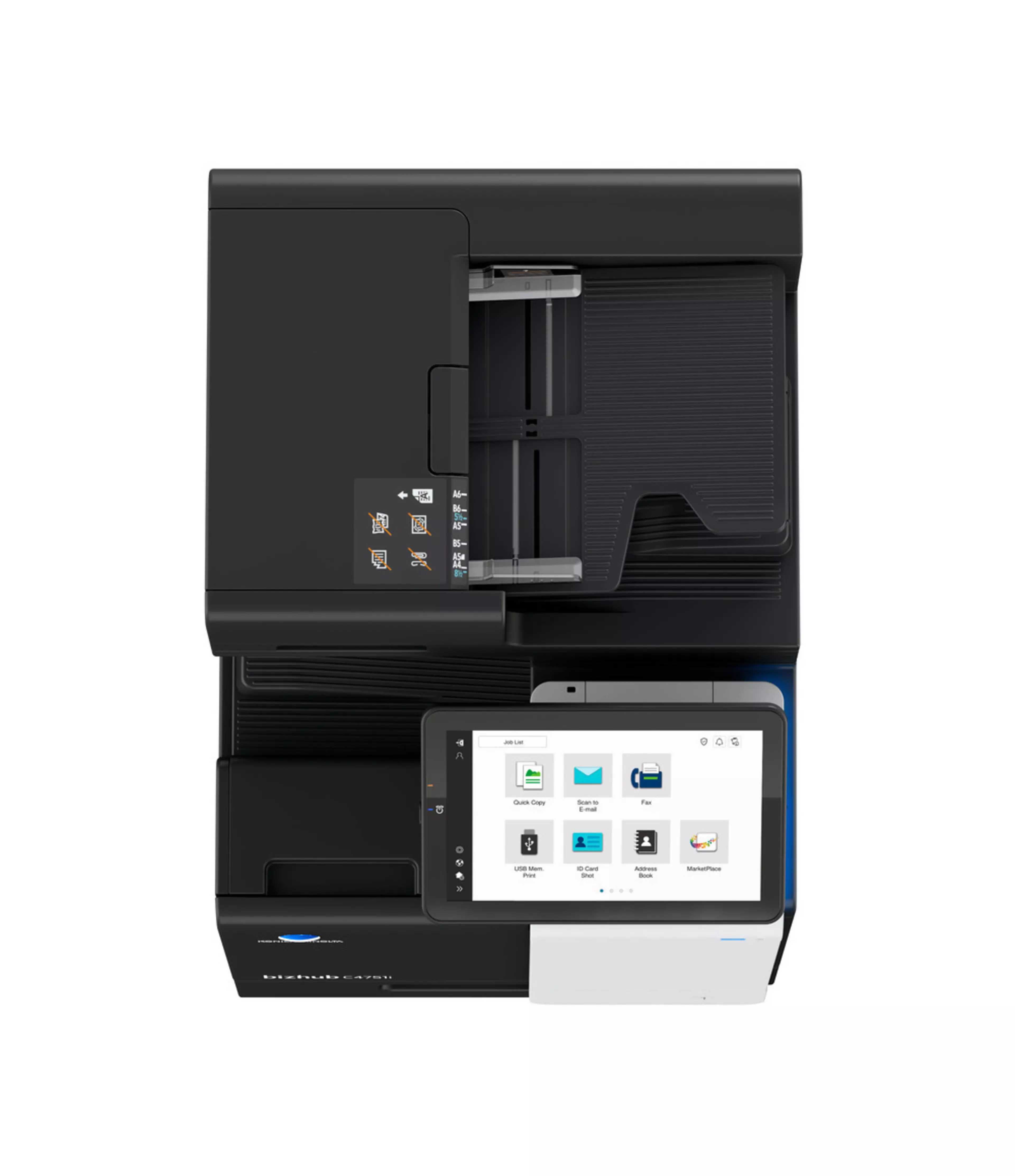
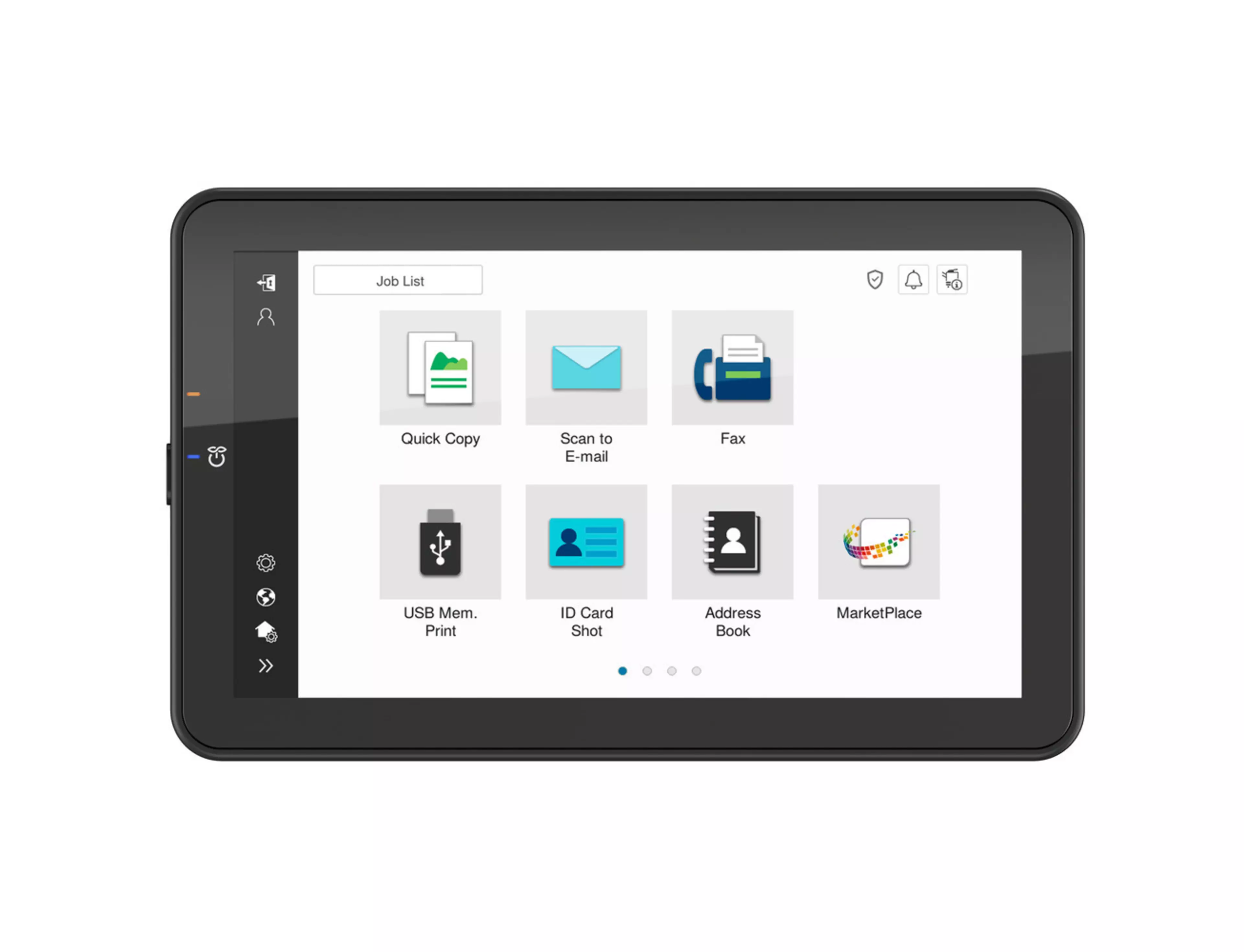
  • 10.1-inch tablet-like colour touch panel, modern intuitive user interface
  • Highest data security with even greater protection against malicious activity and increased visibility of attempted cyberattacks
  • High-volume printing and high-speed scanning up to 114 ipm in duplex
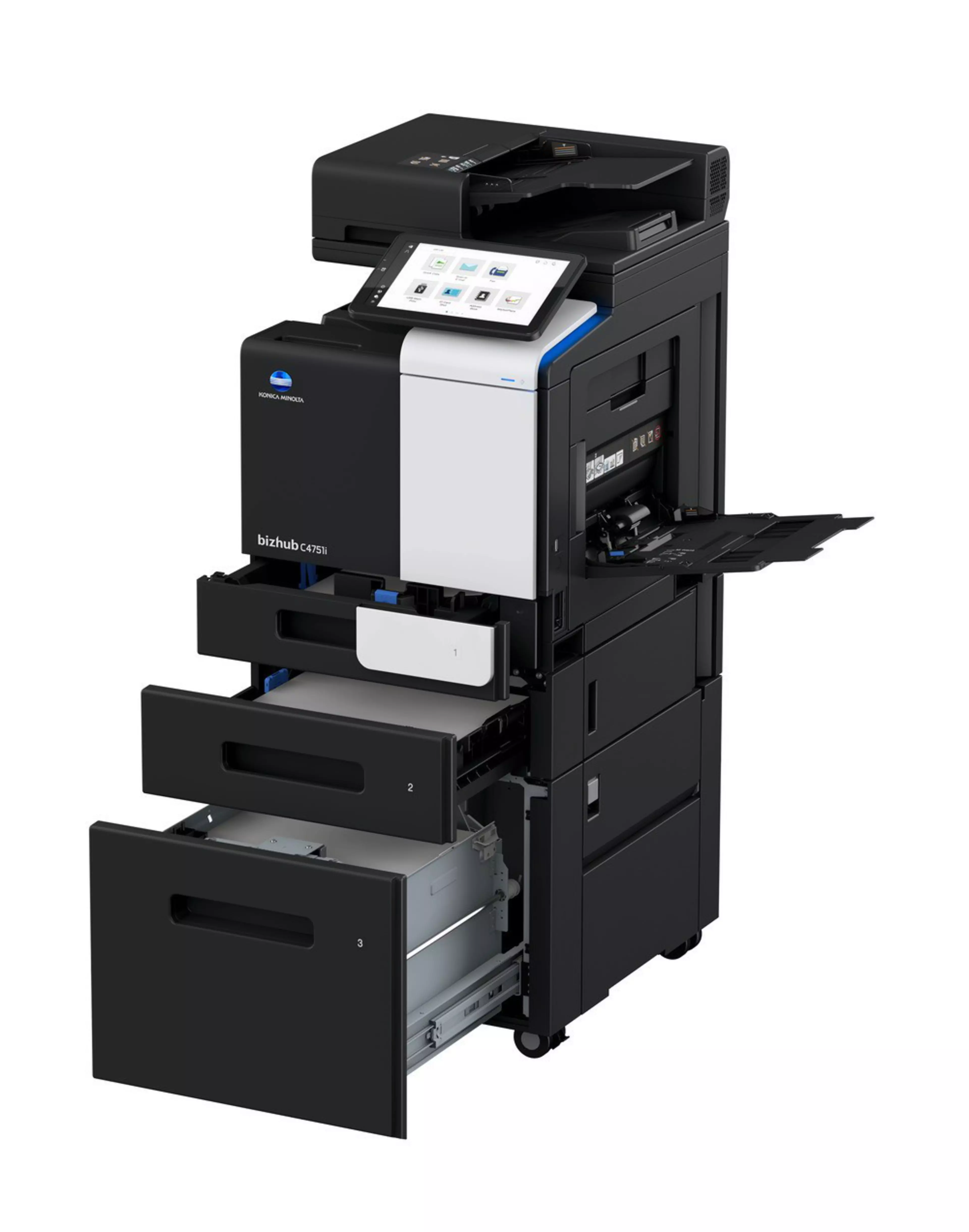
  • Flexible paper handling with input capacity up to 3100 sheets
Funktionen

Direct print

Driverless printing of PDF, XPS, DOCX, XLSX, PPTX, JPEG, TIFF, PS and PCL

Mobile Printing

Possibility to directly print documents from a mobile device

MyTab

Print driver customisation

Smart job queue

Unprintable jobs e.g. because of unavailable paper size (copy, print and fax) are bypassed by consecutive jobs

Universal Printer Driver

One driver to install, manage and maintain

Funktionen

bizhub C4751i

Enjoy the bizhub i-Series with the 10.1 inch tablet-like panel, smartphone-like UI. High-level security with the embedded Bitdefender antivirus scan engine (optional), smooth operation thanks to Remote Services, Konica Minolta IT Services and much more.

ICW,  photo,  picture,  product,  product photo,  product picture

User Experience

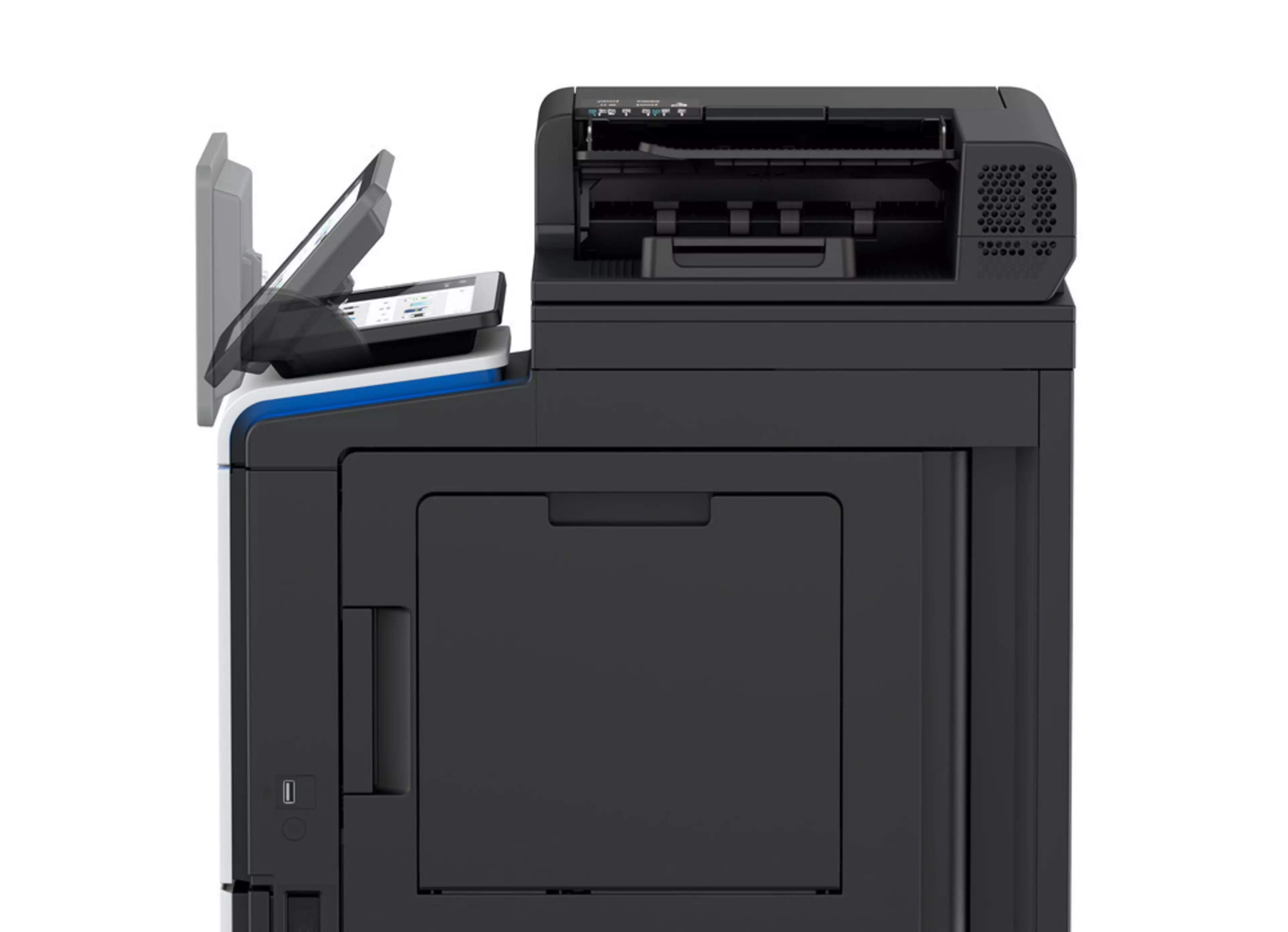
Large 10-inch panel with adjustable angle, improved and even more intuitive modern user interface. Customisable UI, smartphone-like operation, wizard-style step-by-step guidance thanks to preinstalled useful apps

Security

A full set of security features provided by bizhub SECURE services, including Bitdefender antivirus engine, protects your organisation against malware infection. Visible security thanks to the virus protection with clear notification and reporting of actual status​. Authentication Attack Detection function helps to block unauthorised attempts deriving from brute force attacks

High-volume ready

Up to 5 paper input trays (including standard tray and bypass tray) ensure that more different media can be processed in one print job. Increased paper capacity reduces the frequency with which media needs to be replenished

Sustainability

Energy-saving settings, low TEC values, space-saving design and award-winning air packaging helps to reduce environmental impact and save costs at the same time.

Drucken von überall, jederzeit:

Apple AirPrint Logomopria LogoWifi Logo

Weitere Links zu bizhub C4751i

Lernen Sie alle Features und Funktionen kennen um Ihren bizhub C4751i zu konfigurieren
Hier erfahren Sie, wie unsere Drucker zu bedienen sind:
Verwenden Sie das Online-Handbuch zur Fehlerbehebung und um mehr über Ihr Gerät zu erfahren.
bizhub C4751i Datenblatt

Konica Minolta receives BLI PaceSetter award for ease of use in its enterprise devices

The world’s leading independent evaluator of document imaging software, hardware and services Keypoint Intelligence carried out a study to find out which OEM has incorporated the highest degree of end-to-end ease of use in the design of their enterprise devices: Konica Minolta is the proud winner of a Buyers Lab (BLI) PaceSetter award 2020-2021 in Ease of Use: Enterprise Devices.


Convincing factors:

Konica Minolta convinces with its unique, large control panel that is fully tiltable. The screen provides easy access to all basic settings and touch navigation for a pleasant and effective user experience.

Konica Minolta receives BLI PaceSetter award for ease of use in its enterprise devices

Kontakt